Upload Conversions
In order to upload a conversion, take the following actions:
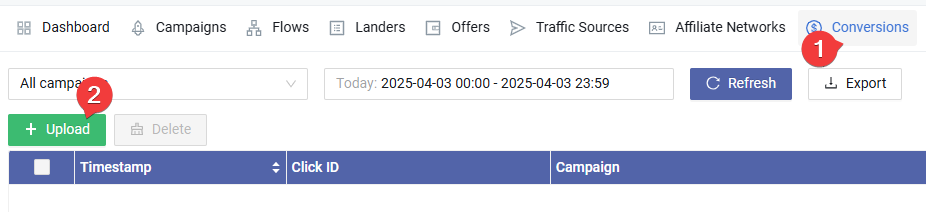
Click the "Conversions" menu to go to the Conversions page
Click the green "Upload" button.

Read the format before continuing. Put your conversions data into the textarea, one per line, and then click the "Upload" button to add those conversions.
The conversions upload is processed asynchronously. It can take a few minutes to add those conversions to your report.